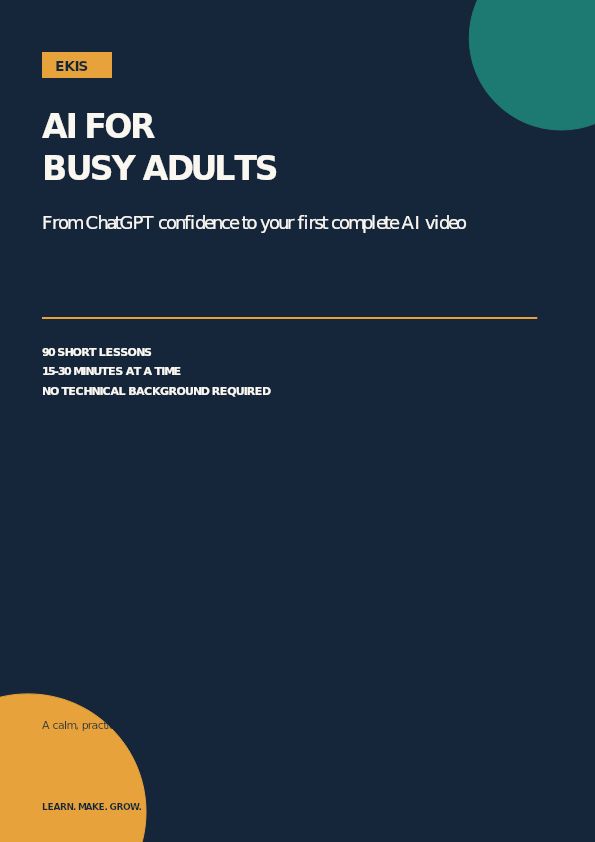
Busy, non-technical adults
AI for Busy Adults
Go from AI-curious to confidently using ChatGPT, creating AI images, and completing your first AI video: in 15–30 minute sessions.
Beginner89-page playbook6 modules
$39USD
View Playbook →AI Video · Aspiring AI video creators
A structured path from your first AI clip to a small portfolio of coherent videos: with better prompting, character consistency, editing, voice, sound, and storytelling.
One-time$59USD
Digital playbook · Downloadable PDF included
Instant delivery
Access link by email after checkout
Learn at your pace
Read and practice at your pace
Risk-free
Covered by our refund policy
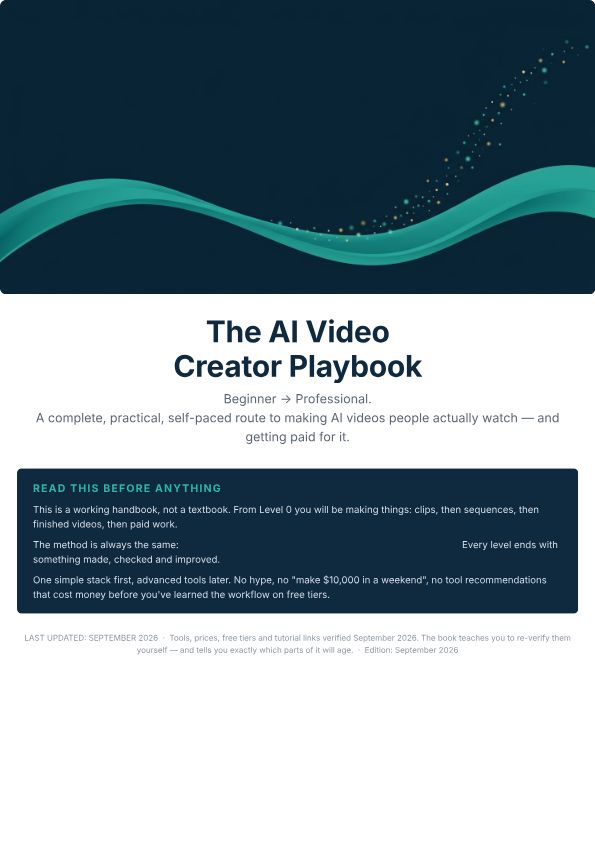
At a glance
One-time$59USD
Go from complete beginner to producing coherent, professional AI videos.
One-time purchase. No subscription or shipping. The refund policy and support contact are available before you buy.
Outcomes
Inside
01
21 levels covering planning, image and video generation, editing, sound, and portfolio development.
02
Copyable prompts for scenes, characters, camera moves, and fixes, plus the exact workflow used in every project.
03
Concept sheets, shot lists, and script outlines so every video starts from a plan instead of a blank prompt box.
04
Practical finishing checklists: cuts, pacing, voice, music levels, and captions.
05
Guided builds that leave you with finished pieces you can show to clients or employers.
Roadmap
21 levels · 21 topics · designed for short, finishable sessions.
Orientation
AI basics and prompting
Image generation
AI video generation
Consistency
Storytelling and directing
Scripting and storyboarding
Voice and dialogue
Editing
Sound design
Advanced filmmaking
Career paths
Commercial AI video
Long-form and faceless videos
Short-form content
Systems and workflows
Quality control
Portfolio
Getting paid
Professional workflow
Expert development
AI Video Creator
One-time purchase · Self-paced access · Refund policy included
Proof of work
Project 1
Start with a short clip and learn the production workflow.
You finish with: A 10-20 second clip
Project 2
Bring your generated shots, editing and sound together.
You finish with: A finished 60-90 second video
Project 3
Work through the project ladder and select your strongest pieces.
You finish with: A curated portfolio from 12 practice projects
Working tools
See what you're getting
See exactly what you're getting before you buy: these are authentic pages from the current product PDF.
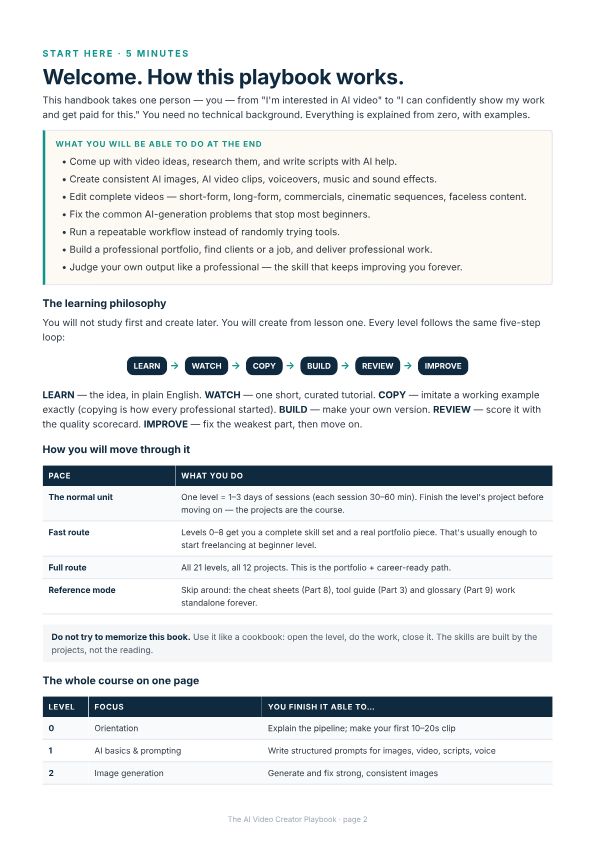
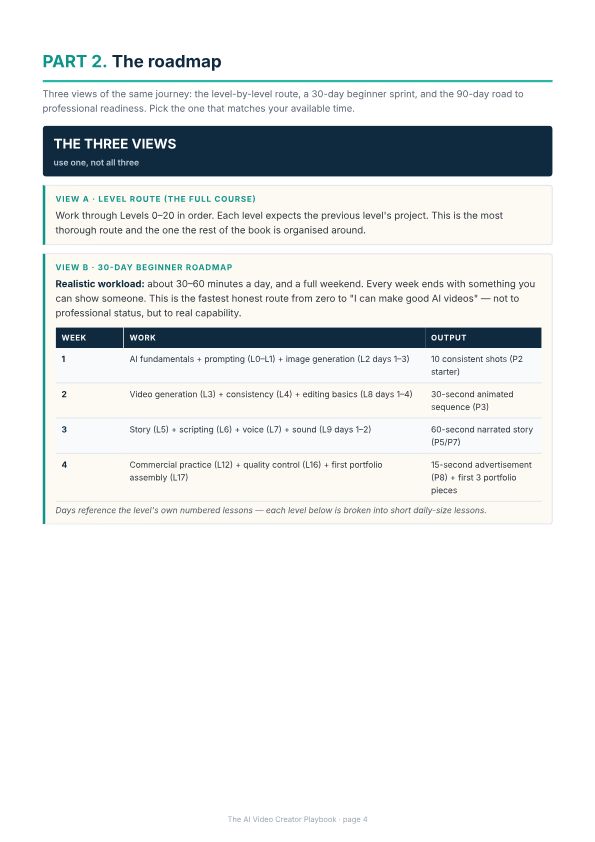
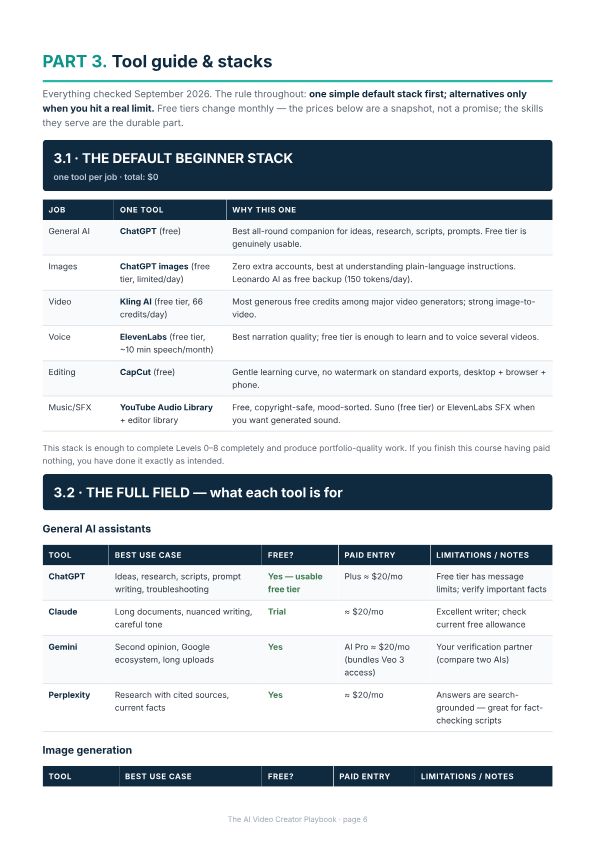
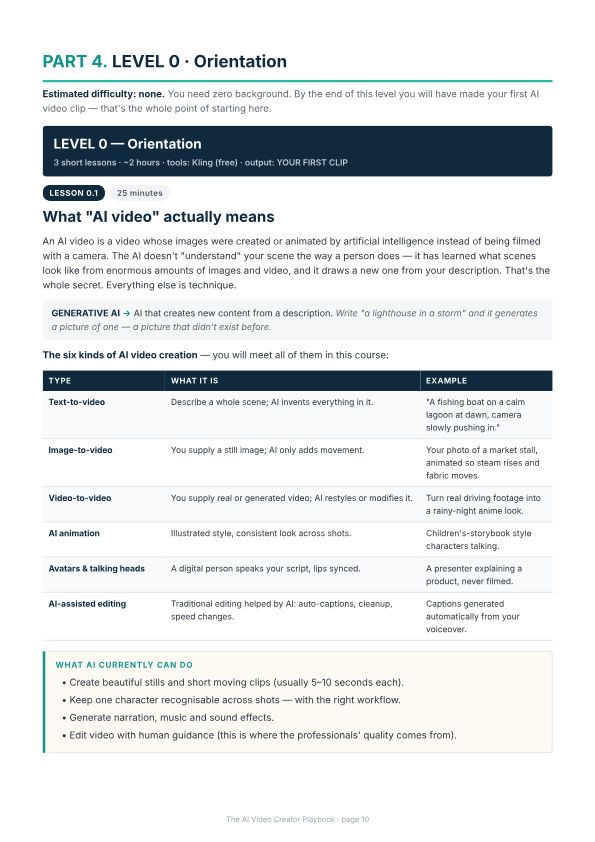
Authentic pages from the current product PDF. Select a preview to view it larger.
Most weak clips fail for the same reason: the prompt describes a vibe instead of a shot. In this lesson you learn to specify subject, action, camera, and light: then run a tight generate–judge–adjust loop until the clip is usable.
A fair question
Free content can be useful. EKIS is for people who want the information selected, sequenced, and turned into a practical path they can follow.
You are not paying for information alone. You are paying for structure, curation, and a clearer path from where you are to what you want to do.
The shift
Honest costs
An AI video generator (we compare options)
Some tools offer trial credits. Check current plans before subscribing.
A free video editor (CapCut, DaVinci Resolve, or similar)
Free
Optional: AI voice tool
Free tier available; paid optional
No hidden requirements. If a paid tool ever becomes necessary, the playbook says so plainly before you reach that lesson.
Fit check
How EKIS builds playbooks
EKIS starts with a specific problem, turns the useful ideas into a sequence, and gives you a way to practise and inspect the result. The goal is practical capability, not a longer pile of information.
01
Research
02
Simplify
03
Structure
04
Apply
Questions
No. The opening level starts with the basic workflow and a short first clip. The difficulty increases as you complete the practice projects.
You can start on free tiers. The playbook compares tools honestly and only suggests paid plans when free limits limit your project. Nothing in the core path requires an expensive subscription.
Tools change. The guide teaches planning, prompting, consistency and editing, and includes resources you can check for current tool information.
Choose the 30-day beginner route or the 90-day professional roadmap. Your pace depends on practice time and project scope.
This edition is self-paced with detailed self-review checklists and example solutions. Guided cohorts with feedback may be offered later.
Every purchase is covered by our refund policy: if the playbook isn't a fit, contact support within the refund window and we'll make it right.
Go from complete beginner to producing coherent, professional AI videos.
$59 USD · one-time
Payments and file delivery through Gumroad
Busy, non-technical adults
Go from AI-curious to confidently using ChatGPT, creating AI images, and completing your first AI video: in 15–30 minute sessions.
$39USD
View Playbook →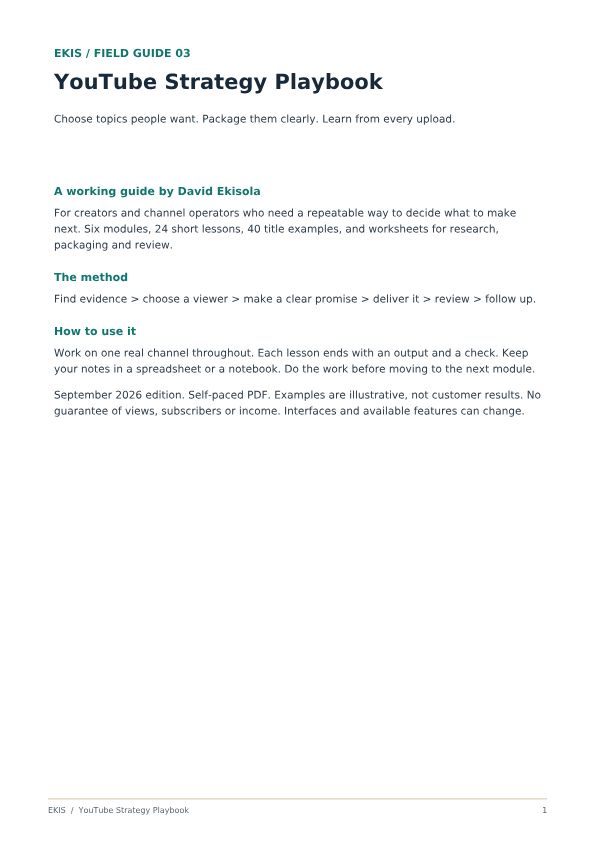
Creators & channel operators
Understand why videos and channels work: then apply it to your own.
$69USD
View Playbook →